By Business 11 min read

How to build an artist website with AI

A practical guide for painters, illustrators, printmakers and other artists. What your site needs, copy-ready prompts, and how galleries, exhibitions and commission enquiries stop needing a developer.

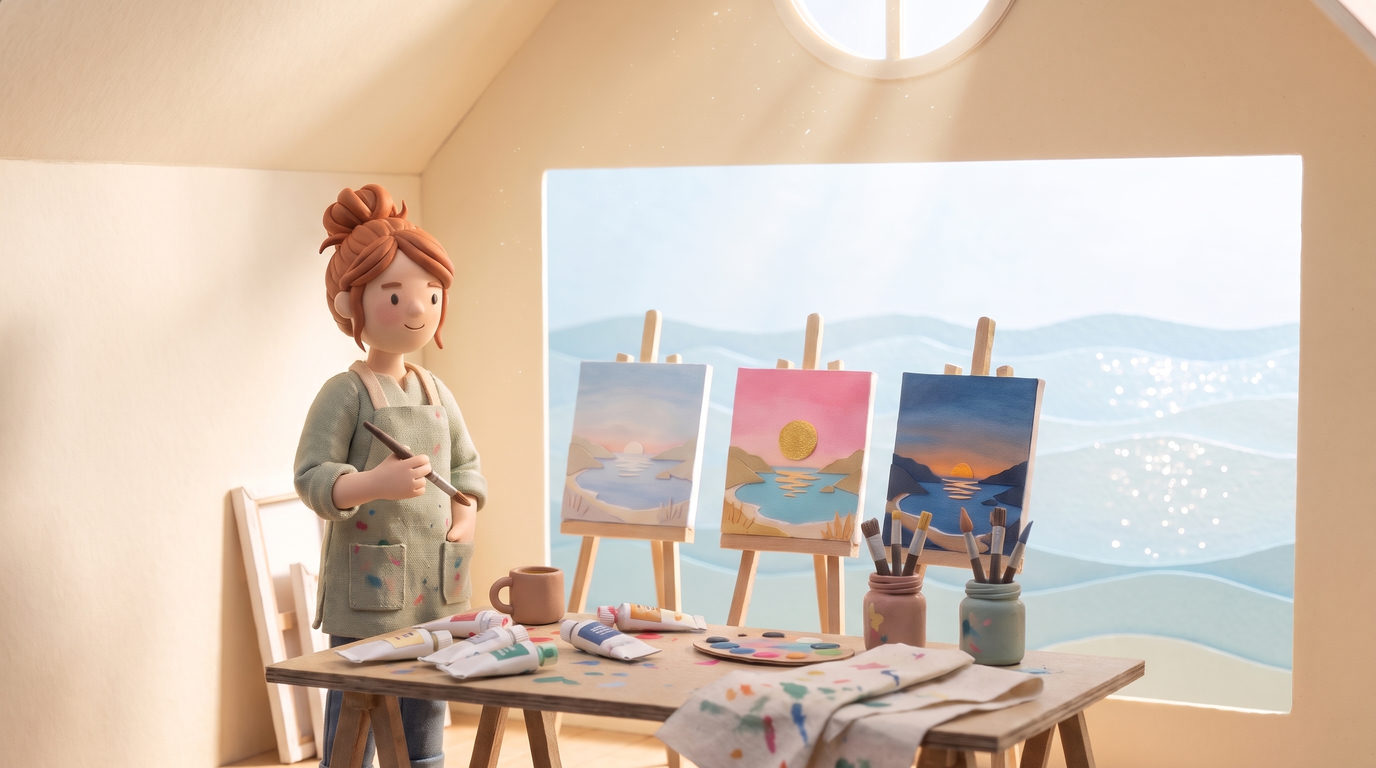
A little clay painter in a sunny paper attic studio by the sea, three paintings of the same cove on easels

Why artist websites are harder than they look

Your work is the whole point, and Instagram is where most of it lives. But a feed moves on. A series you spent months on is buried a week after you post it, commission enquiries sink in your DMs, and anyone who isn't on Instagram can't find you at all. A website fixes that, as long as it feels like your work and not like a template with your paintings dropped in.

The old way

Pick a template that looks like everyone else's. Fight the gallery grid. Pay someone to add a new series. Answer commission questions in five different DM threads.

With Ullbek

Describe your work in a few sentences and add your paintings. Get a real website built around them, with a gallery for each series and enquiries that land in your inbox.

This guide does two jobs. It tells you what a strong artist website includes, and it shows you how to get each piece built in Ullbek, from the first gallery to the day you add next spring's market dates.

How to use the prompts

Every prompt below uses a fictional painter called Bryony. Swap the bold details for your name, your medium, your series and your town. Hit Copy, paste into the Ullbek chat, and change anything that doesn't fit.

What a great artist website needs

Collectors and galleries look first and read second. Lead with the work, keep each body of work together, and give people one easy way to ask.

A homepage that shows your eye straight away

One strong painting, one line about what you make, and a way into the work.

A gallery for each series

Bodies of work kept together, with titles, medium and size, not one long scroll of everything.

Your story

Who you are, where you work and how the work is made. People buy from people.

Exhibitions and markets

Where to see the work in person, with dates you can change yourself.

Commissions and buying

How a commission works, and a form that sends enquiries to your inbox.

Prices handled your way

Listed, “from”, or on request. Your choice, stated plainly.

Images that respect the work

Paintings shown whole and uncropped, sharp on a phone.

Your own address

Free to start on an Ullbek address; connect your own domain whenever you like.

See a live example

Before you build, look at the finished site. Bryony Paints is a fictional painter of the coast who works in series: a gallery for each of three series, her story and exhibitions, and a commissions and buying page with an enquiry form. It was built in Ullbek from the kickoff prompt below, her paintings and two follow-up messages (it's the build in our Instagram film), and it's live on a free *.ullbek.site address.

Bryony Paints

Live example

Oil paintings of the coast · three series galleries, story and exhibitions, commission enquiries · designed and built with Ullbek
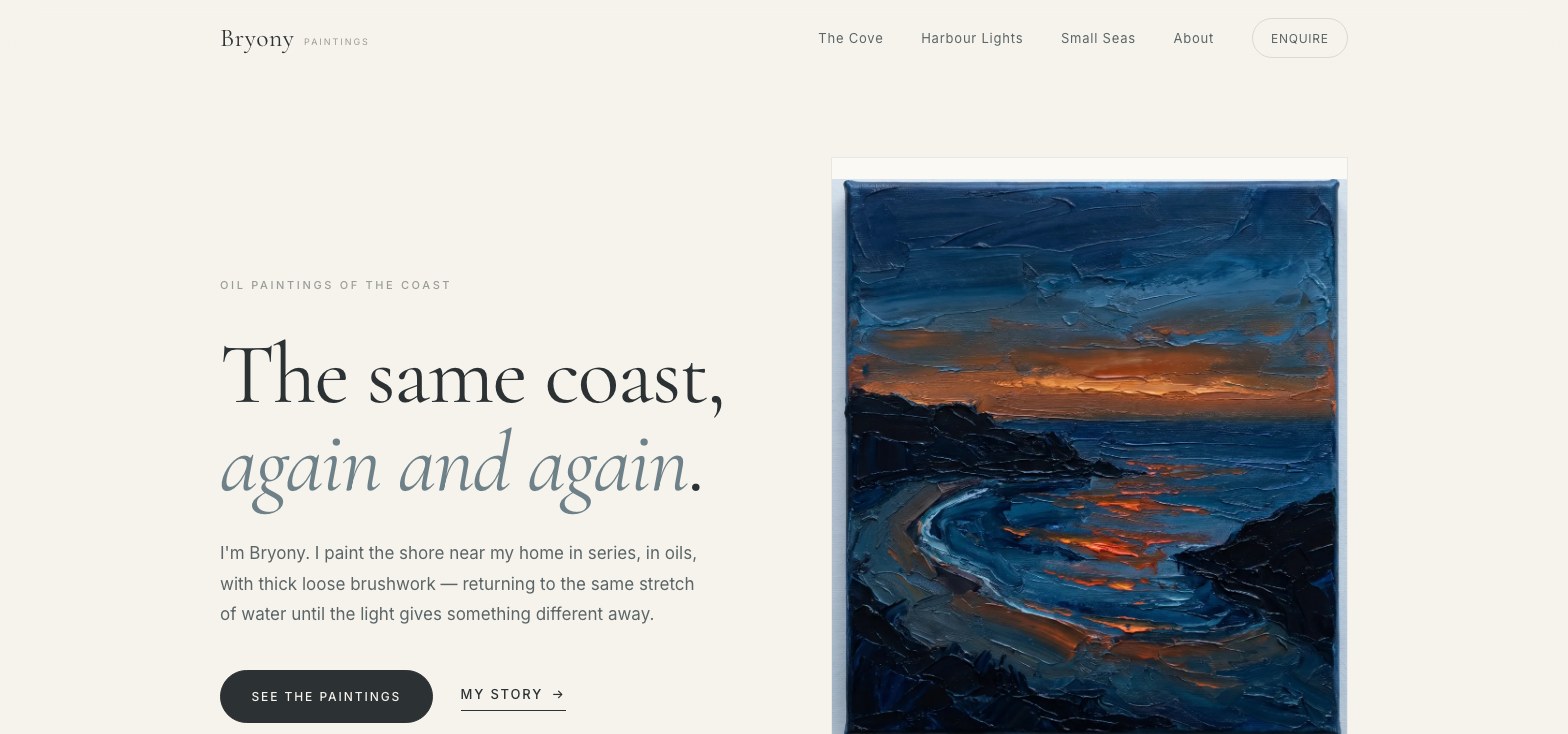
Bryony Paints homepage: the headline “The same coast, again and again.” beside a dusk painting of a cove, with See the paintings and My story buttons
Homepage: one painting and a line about the work

The prompt library

Work through these in order the first time you build. After launch, jump to the tier you need (a new series, new market dates, a change to how commissions work) and paste the matching prompt.

Tier 1 Kick off the whole site

Start with a few honest sentences about your work. Ullbek shouldn't invent exhibitions, collectors or prices: give it the facts and it builds around them.

Capability: full site from plain language
Kickoff — full artist site
I'm Bryony, a painter in a little seaside town. I paint the coast in series, in oils, with thick loose brushwork. Right now there are three: The Cove, the same little cove at dawn, noon and dusk; Harbour Lights, our fishing harbour at blue hour; and Small Seas, little square studies of waves, rock pools and dunes. I want a gallery for each series, an about page with my story, my exhibitions, and a way for people to ask about commissions or buying a painting. Keep it calm and full of light, so the paintings do the talking. I'll send you photos of the paintings next.
Tier 2 Shape the pages
Capability: restructure layout by describing intent
Structure — homepage sections
Rebuild the homepage for Bryony with these sections: (1) a hero with one painting and a short line about the work; (2) one card per series, each with its best painting, title and a line about it; (3) a short statement in my own words; (4) the next place to see the work in person; (5) a simple invitation to enquire about commissions. Lots of white space. On a phone, show every painting whole, never cropped.
Tier 3 Build the galleries from your paintings

This is the heart of an artist site. Drag photos of your paintings into the chat (straight, well-lit shots work best) and say which series each belongs to.

Capability: bulk uploads · galleries · paintings shown whole
Galleries — build from your photos
Here are my paintings. The first three are The Cove (dawn, noon, dusk), the next three are Harbour Lights (I, II, III), and the last three are Small Seas (I, II, III). Please use them in the galleries. Show each painting whole, with its title, medium and size underneath, and let people tap a painting to see it large.
Galleries — add a new series
I've finished a new series called Salt Marsh: four paintings, oil on board, 40 × 40 cm. Photos attached. Add a gallery page for it in the same style as the others, add it to the homepage series cards and the menu, and keep the existing galleries exactly as they are.
Tier 4 About, process and exhibitions
Capability: your story in your own words
About — real story only
Write my about page from these facts: Bryony, painting the same stretch of coast for twelve years, works in a small studio above the harbour, paints outdoors first and finishes in the studio. Add a short section on how a painting is made (looking, painting, finishing) and an Exhibitions section. Don't invent shows, awards or collectors: leave Exhibitions as a list I'll fill in.
Tier 5 Commissions and buying

Most artists get commission questions in DMs and lose half of them. A form keeps every enquiry in one place: your inbox.

Capability: built-in forms → your inbox
Enquiries — commissions and buying form
Add an Enquire page. Explain how a commission works in three short steps (a conversation, a plan, then paint), and say that prices are on request. Add a form with name, email, what they're writing about (buying a painting, a commission, a studio visit, something else), which series, and a message. Put an Enquire button in the header on every page. Send the messages to hello@bryonypaints.com.
Tier 6 Markets, new work and changes
Capability: ongoing edits without a developer
Update — market dates
Add my spring market dates: Saturday 13 March at the Harbourside Makers Market, Saturday 10 April at the Old Pier Art Fair, and Sunday 2 May at the Saltmarsh Open Studios.
Update — mark a painting sold
The Cove, Dusk has sold. Mark it as sold in its gallery and on the homepage, keep it on the site, and point people to the commissions page if they'd like something similar.
Tier 7 Polish for phones and search
Capability: responsive design + on-page SEO
Polish — phones, images and search
Check every page on a phone: paintings whole and sharp, nothing cropped, buttons easy to tap. Give every painting descriptive alt text (title, medium, what it shows), and every page a clear title and description that says oil paintings of the coast by Bryony.
Tier 8 Publish and go live
Capability: one-click publish · free subdomain · custom domain
Launch — publish checklist
I'm ready to publish Bryony's site. Final pass: every gallery loads, the enquiry form is wired to my email, no placeholder text is left. Then publish it on a free Ullbek address, and tell me how I'd connect bryonypaints.com later.
“A feed shows your latest post. A website shows your work.”

After launch: the updates that used to be painful

Common artist updates → what to do in Ullbek
A new series
Photos into chat → Tier 3, add a new series. Existing galleries stay as they are.
Market or show dates
Tier 6: paste the dates, done.
A painting sells
Tier 6, mark it sold. Keep it on the site as part of the body of work.
Commission form changes
Tier 5. Add or remove fields any time. Details in Contact forms.
Your own domain
Publish free first, then connect your domain. See Publishing & going live.

Tips that save artists hours

  1. Photograph straight and in daylight

    A painting shot square-on in soft daylight looks like the painting. Glare and angles are the main reason a gallery looks off.

  2. Name the series when you upload

    Tell Ullbek which paintings belong together. It keeps each series as its own gallery, the way you think about the work.

  3. Say “show it whole”

    Paintings shouldn't be cropped to fit a grid. Ask for whole paintings and the layout is built around them.

  4. Never invent collectors or shows

    An empty Exhibitions list is better than a made-up one. Add the real ones as they happen.

  5. Put the link in your bio

    Your Instagram keeps doing what it does. The link in your bio now goes somewhere that shows all of it.

Preview ≠ live

The preview shows your working site. Visitors only see what you've published. After adding a series or new dates, publish again.

Ready to give your work a home of its own?

Open Ullbek, paste the Tier 1 kickoff prompt, and swap in your name, your medium and your series. Then drag in photos of your paintings.