What comes in
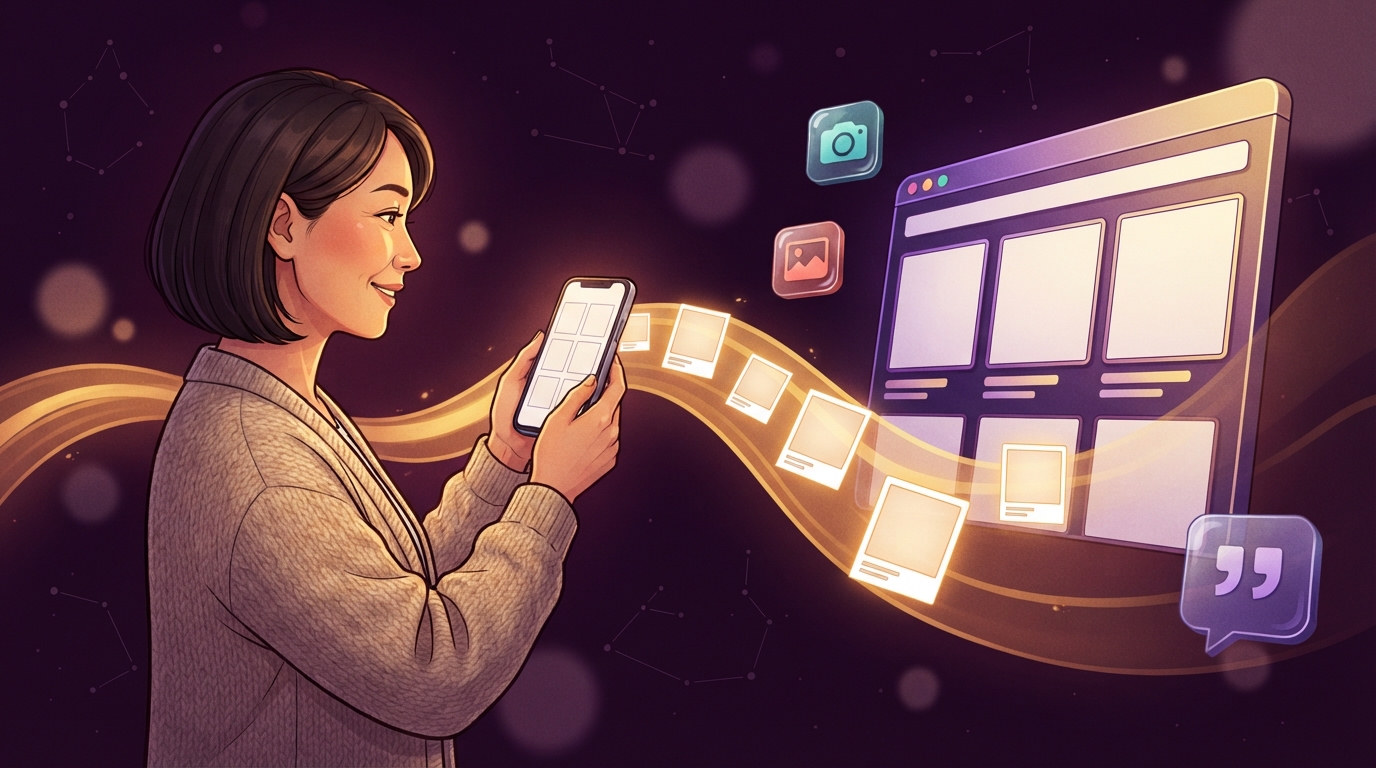
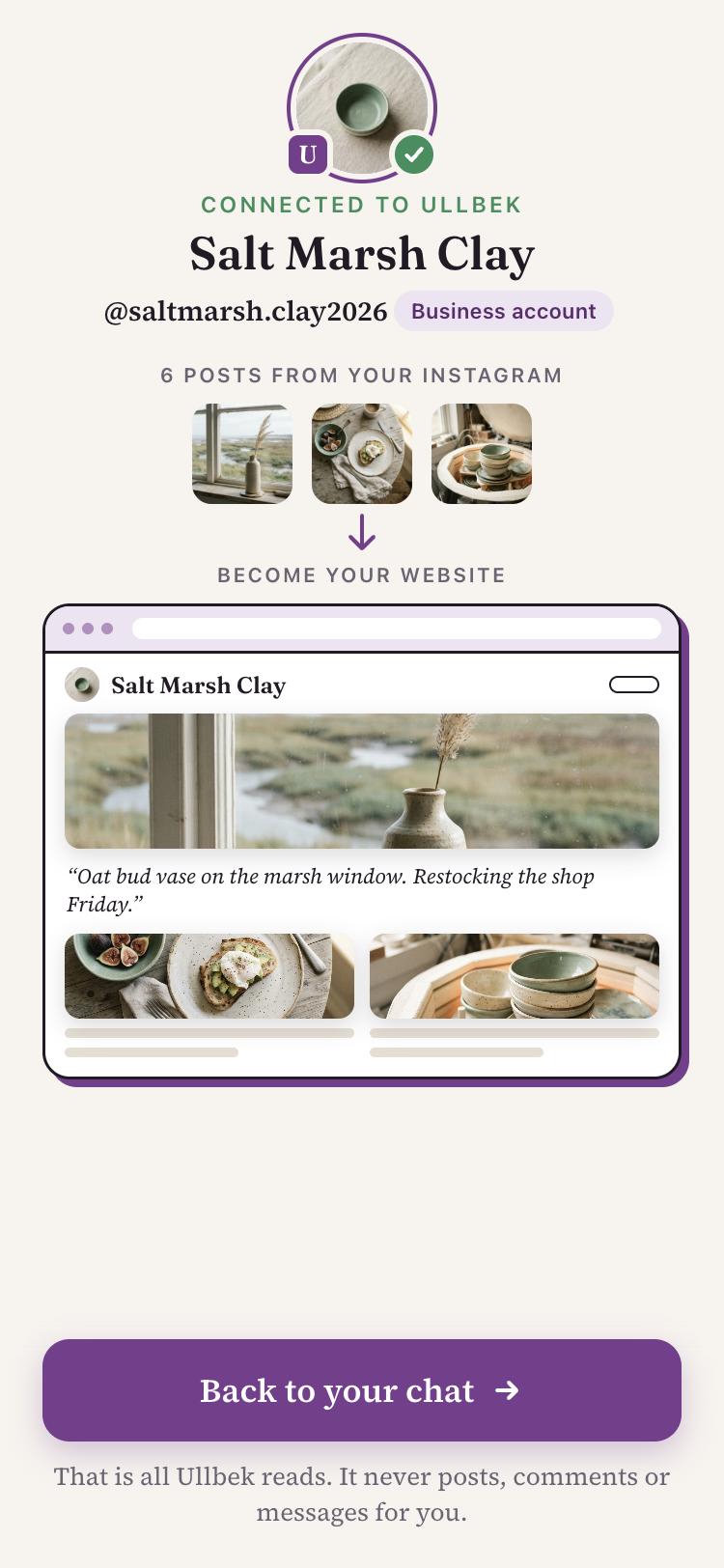
When you connect your Instagram, Ullbek brings in:
- Your recent posts, up to about 30: each picture with the caption you wrote. A video comes in as a still from it; a carousel as its first picture.
- Your profile: your picture, name and @handle.
They're saved with your website, ready to use, usually within a minute of tapping Allow.
How they're used
Ullbek builds with your own pictures first and only makes new ones to fill the gaps. Your captions shape the words too: the way you describe a piece is often the best line on the page, so it may turn up in a headline or next to the photo it was written for.
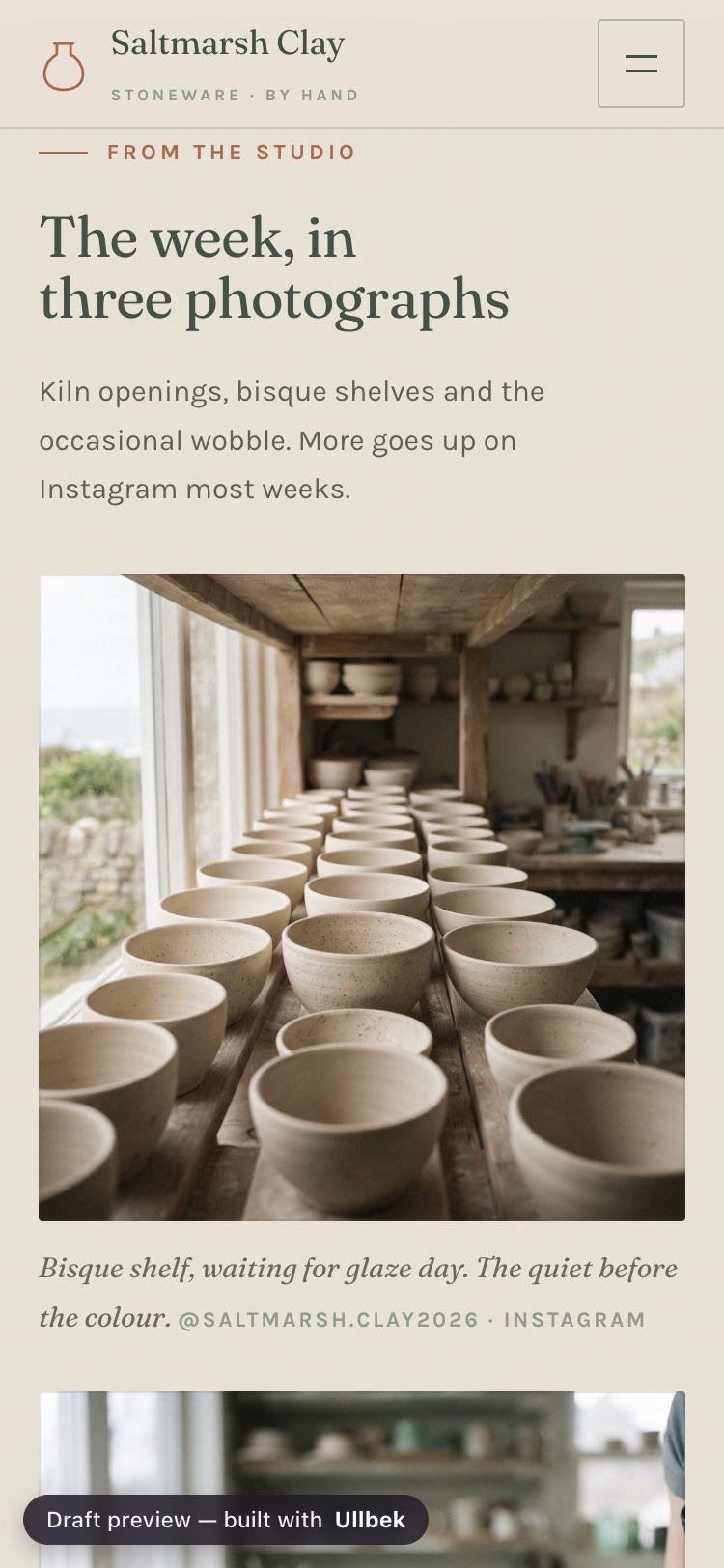
When the site arrives, Ullbek says which pictures are stand-ins, for example a product you haven't posted yet. Send the real photo when you have it and ask Ullbek to swap it in.
Choosing pictures in the chat
Ullbek can look at your pictures, so you can talk about them the way you'd describe them to a friend. Ask it to show you a few and it sends them as cards, each with a This one button. Tap the one you want.
Posts you add later
Keep posting on Instagram as you always do. New posts are picked up the next time you message Ullbek, so after you post something new, just say what you'd like done with it:
Your site doesn't change on its own when you post: you decide what goes on it.
Sharing photos into the chat
Not connected, or the photo isn't on your grid? Send pictures to Ullbek the way you'd send them to anyone: from your camera roll, or share a post into the chat. Each one is saved with your website, and Ullbek is told it's there.
Add a line about where it should go, or Ullbek will ask:
Easier to say it than type it? Send a voice note. Ullbek listens and answers as if you'd typed it.
Pictures Ullbek makes
If Ullbek doesn't have your photos yet, every picture on your first site is made to fit it: your colours, your kind of business, the mood you described. Pictures of people are avoided on purpose. Replace any of them with your own whenever you like; it's an ordinary change.
Put your grid to work
Message @ullbek_ai, connect your Instagram, and let your own photos build your site.