
Why use the web
Most people never need to leave the chat. But a bigger screen is handy when you want to:
- watch your site change as you talk to the builder, with the live preview beside the chat;
- see your files, invoices and credit, or manage hosting and domains;
- start a second website (the Instagram chat looks after one);
- delete a site or your account.
Get a sign-in link
-
Ask in the chat
Tell Ullbek you'd like to use the web, and give it your email address when it asks.
-
Open the email
A sign-in link arrives from Ullbek. It works once, for 30 minutes. Ask for another any time.
-
You're in
The link opens app.ullbek.com already signed in, with your site waiting. Your email is now on your account.
There's no password to set up: the link is enough. If the address already belongs to another Ullbek account, Ullbek tells you and doesn't send a link; use a different address, or sign in to that account instead.
Signing in later
Once your email is on your account, the login page at app.ullbek.com gives you two easy ways back in:
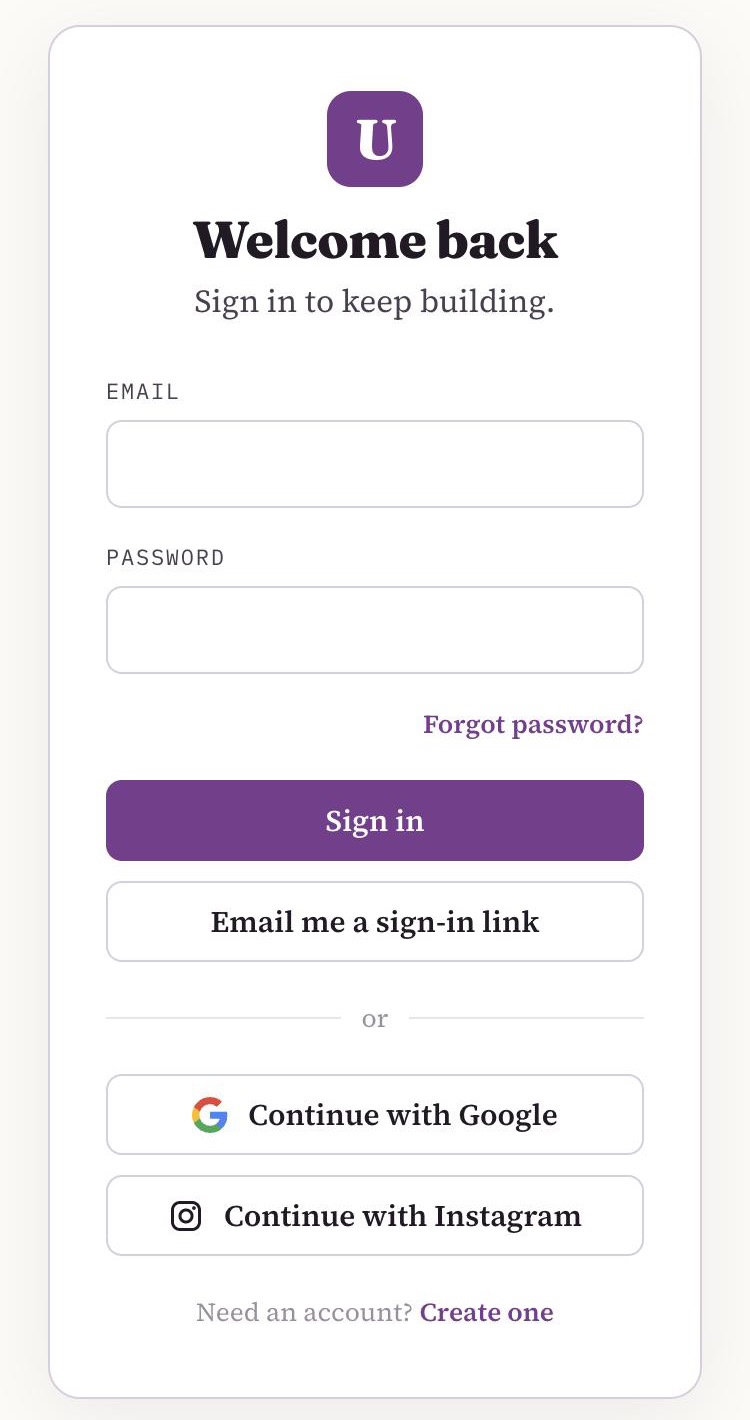
Email me a sign-in link
Type your email and a fresh link arrives.
Continue with Instagram
If you connected your Instagram from the chat, this signs you straight into the same account.
One site, two places
It's the same site wherever you work on it. A change you make on the web shows up when you open the card in Instagram, and a change you ask for in the chat shows up on the web. Keep chatting on Instagram, switch to the laptop when it suits you, and switch back.
Common questions
My link says it has expired.
Links last 30 minutes and work once. Ask Ullbek for a new one, or use Email me a sign-in link on the login page.
"Continue with Instagram" says it doesn't know me.
That button finds accounts that were connected from the chat. If you never connected your Instagram, sign in with an email link instead, or connect it in the chat first.
Do I have to use the web?
No. Building, changes, going live, domains and payments all work from the chat. The web is there when a bigger screen helps.
Want the bigger screen?
Ask Ullbek for a sign-in link in your Instagram chat.