The fix is written out below.
Captions available · press CC · Also on YouTube
You type www. and your domain, and your site opens. You type the domain on its own, and it doesn't. Or it is the other way round. Either way, some of your visitors are not reaching you, depending on how they type your address or which link they follow.
Everything below, and in the film above, was done on our own test website, a WordPress site for a flower shop, on our own private test network: we broke the plain name, and we fixed it. The one exception is the warning that the connection is not private, which our test browser did not show in this case (step 2 says why).
Why it happens: two names, one site
Your domain, ottermoorflowers.co.uk in our case, and the same name with www. in front are two separate names. In the system that turns names into addresses, each name has its own set of records (the internet standard puts it as "Each node has a set of resource information, which may be empty"). So for both to reach your site, three things have to be true:
- Each name has its own record, leading to your host.
- Each name needs a certificate that covers it. One certificate can cover both: as a certificate authority's own FAQ puts it, "the same certificate can contain several different names using the Subject Alternative Name (SAN) mechanism" (source).
- One name sends visitors on to the other, so everyone ends up on one name.
If one of these is missing, one name works and the other doesn't. Our test site runs on WordPress, but this is the same on any platform: the records and the certificate come before your site is even asked for a page.
First: which name fails, and what does it show?
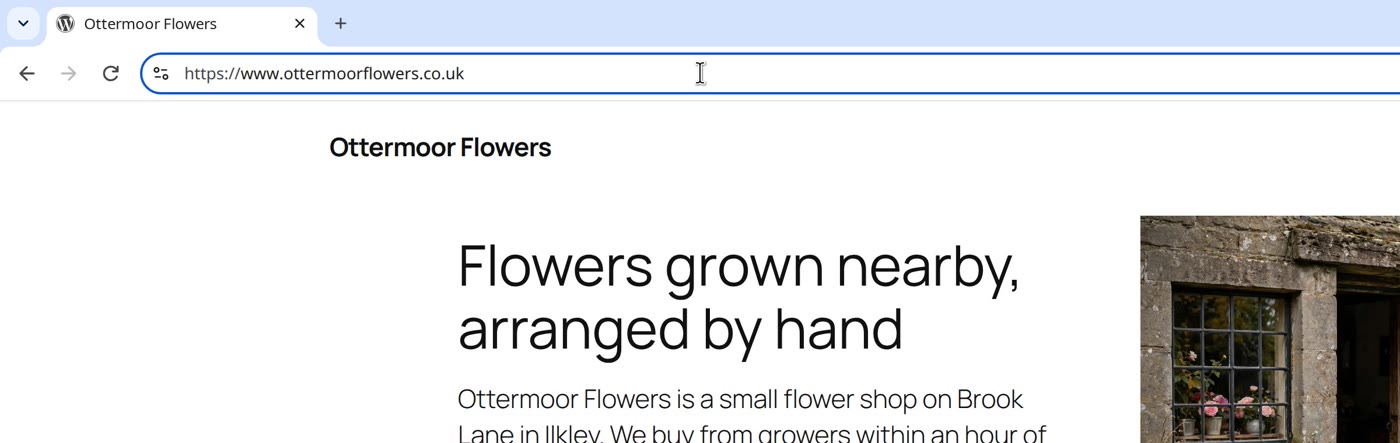
Type both forms of your address, in a fresh browser (one that has not visited your site before), and look at what the failing one shows. Check which address you actually end up on, too: our test browser hides the www. in its address bar, and clicking in the bar and moving to the end showed the full address.
- This site can't be reached, with Check if there is a typo and the code
DNS_PROBE_FINISHED_NXDOMAIN: no address was found for that name. Often there is no record for it: go to step 1. Our post Your website says "This site can't be reached"? covers that page in full. - An old version of your site: that name's record may still point somewhere else, such as an old host. Go to step 1.
- A warning that the connection is not private: the certificate may not cover that name (the same warning also appears for other certificate faults). Go to step 2. Our post Visitors see "Your connection is not private" on your website? covers it.
- Both open, or you end up on the other name: that may be your site sending visitors on (step 3), or your browser helping. Check step 2 anyway: on our test site, our test browser quietly took us from one name to the other when the certificate covered only the other one.
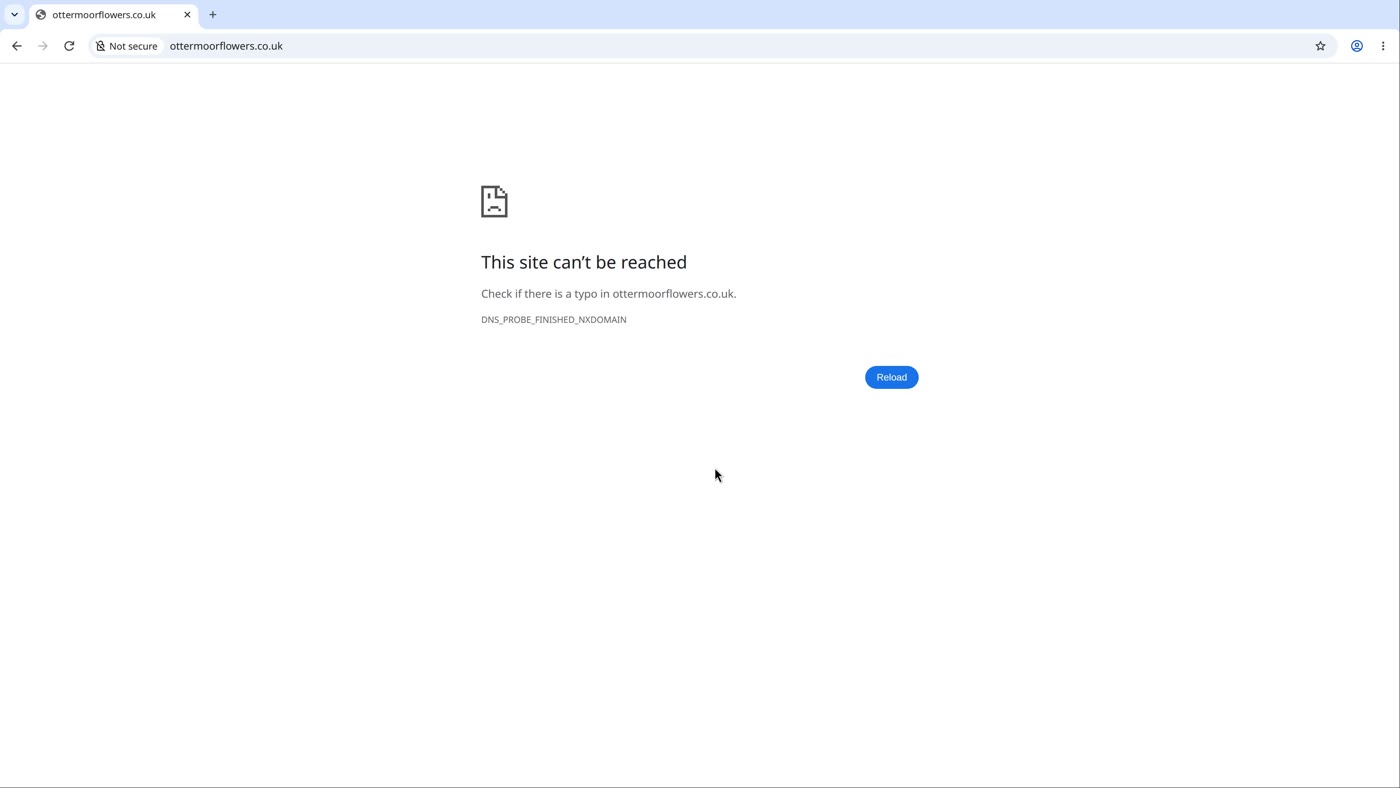
When an address with no record is typed, our test browser briefly showed its own notice This site doesn't support a secure connection over the error page, and closed it by itself; the film cuts that second. If yours stays open, our post Your website says "Not secure"? covers it.
Step 1: a record for each name
- In your hosting account, look for the address to point your domain at.
- Open your domain's records, where they are kept. If you are not sure where that is, our post Your website says "This site can't be reached"? shows how to find out (check 2 there: the name servers).
- Look for a record for each name. In the film's drawn table the plain name is written as
@, the zone-file sign for "the current origin" in the standard, and the www name aswww. An A record holds an address ("a host address", in the same standard). - Add the missing one, with your host's address. If your hosting account gives you a different kind of record for
www, add what it gives you: a CNAME record, for example, points one name at another name (the standard: "A CNAME RR identifies its owner name as an alias"). - If the record is there but with another address, such as an old host's, change it to your host's.
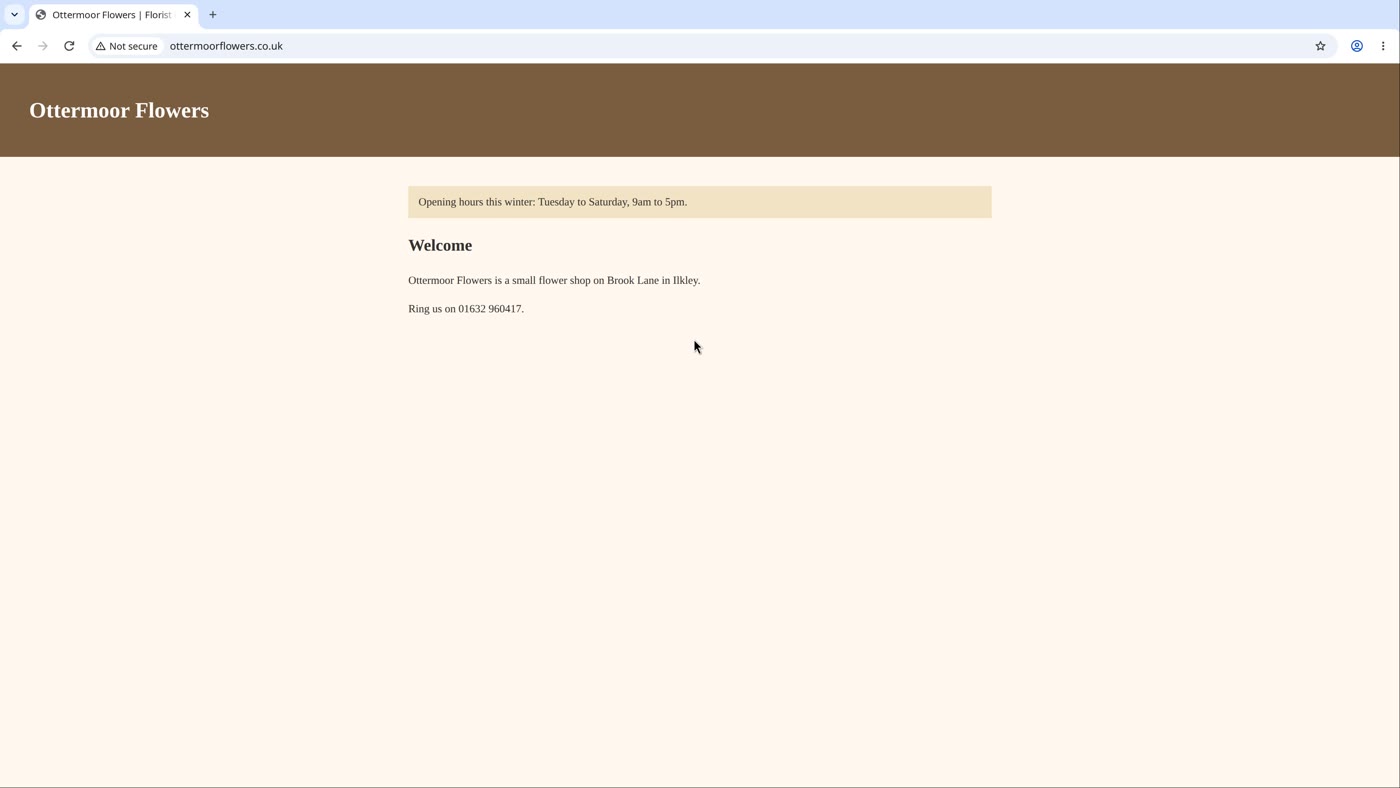
On our test site, www had an A record with the host's address and the plain name had none. We added one with the same address, clicked Reload on the error page, and the plain name opened.
A change can take a while to reach you: networks keep an answer for as long as the record allows, even a "no address" answer (the standard calls it the time "that the resource record may be cached"), and they keep a "no such name" answer too, which the standard on it says "should be cached". On our test network we emptied that memory before the reload, which stands in for waiting. For the old host, the browser that had already seen the old site kept showing it for a while after the change; a fresh browser opened our site.
Step 2: a certificate for each name
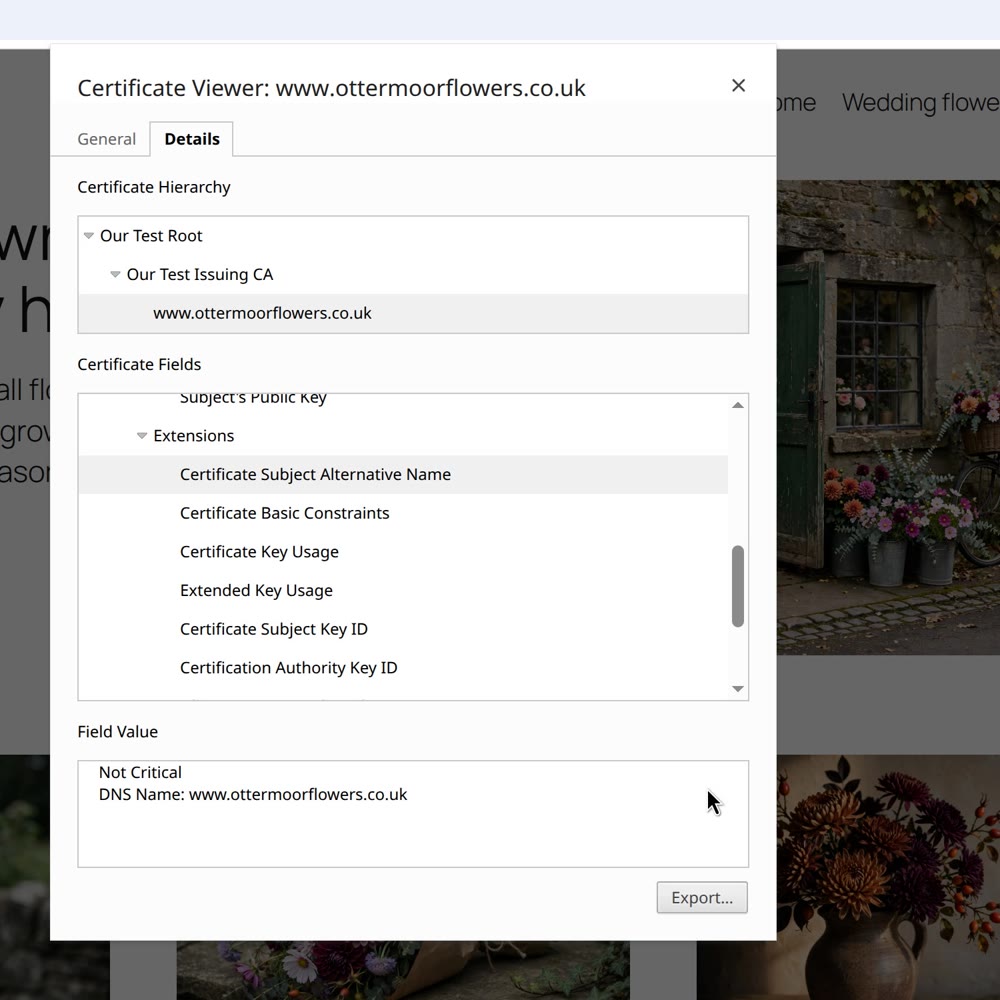
A name that opens is not proof that the certificate covers it. On our test site, after step 1, the plain name opened. But the certificate covered www only, and our test browser had quietly taken us on to www by itself (the browser's own source code describes this as handling a name mismatch by "suggesting alternative URLs that may be what the user intended to load"). The HTTP standard says: "If the certificate is not valid for the target URI's origin, a user agent MUST either obtain confirmation from the user before proceeding … or terminate the connection with a bad certificate error" (RFC 9110), so do not count on that help.
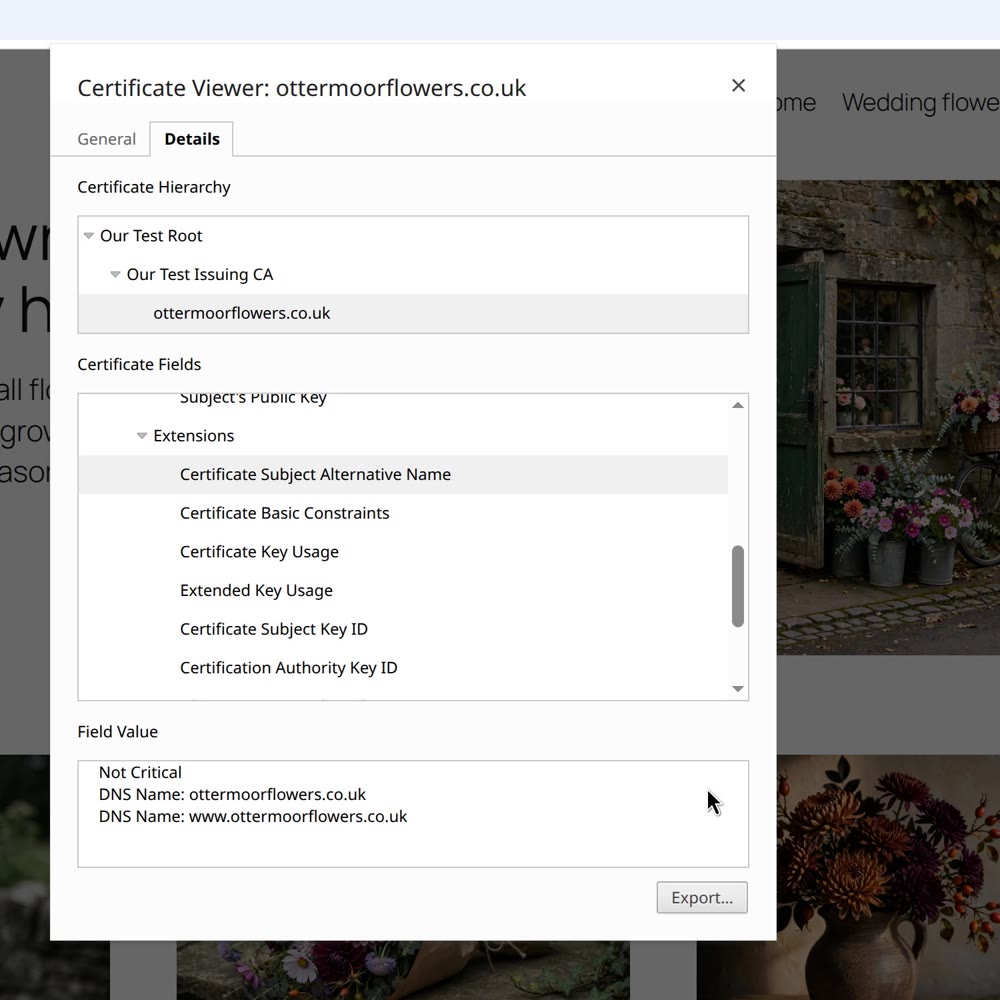
- Look at the names on your certificate. In our test browser: click the icon at the left of the address bar, then Connection is secure, then Certificate details. The viewer's title already names the address you are really on. Under Details, scroll the Certificate Fields list to Certificate Subject Alternative Name, click it, and read the Field Value box: it lists the names the certificate covers.
- In your hosting account, make sure both names are covered. One certificate can cover both.
- Look again. Both names should be listed.
Step 3: choose your main name
Which name is your main one is your choice. Search engines see the two as different addresses (WordPress's own reference: "Search engines consider www.somedomain.com and somedomain.com to be two different URLs"), so pick one and send visitors from the other to it. Google Search Central's guide gives the general rule: "Pick one of those URLs as your canonical URL, and use redirects to send traffic from the other URLs to your preferred URL" (source).
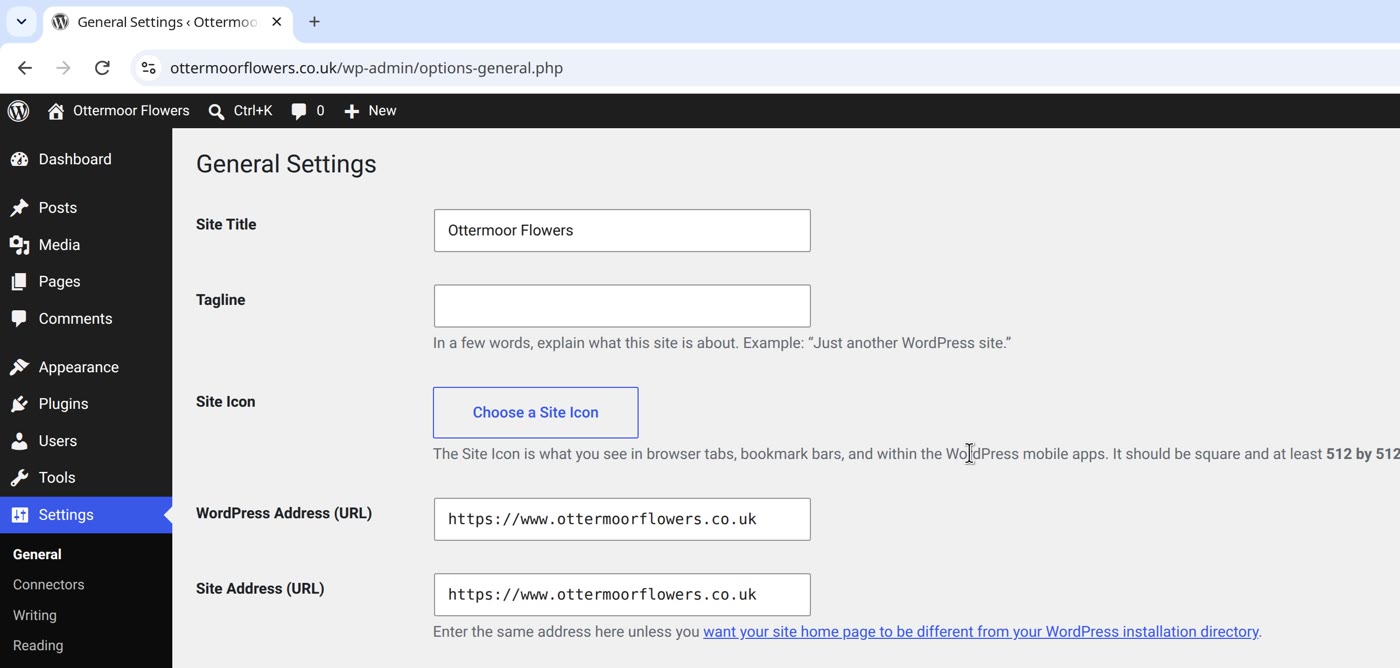
- On WordPress, your main name is the Site Address (URL) under Settings › General, "the address you want people to type in their browser to reach your WordPress site" (WordPress). Ours is the www name. Once the other name reaches your site, with a certificate that covers it, WordPress sends visitors on to the Site Address by itself: on our test site, the plain name was answered with a permanent redirect to the same page on www.
- On other platforms, or at your host, look for a setting that sends one name to the other.
Then: check both, the way a visitor would
- In a fresh browser, type the plain name. Your site should open.
- See which name you are on. Click in the address bar and move to the end: on our test site, the full address showed www.
- Then type the www form. It should open too.
- Type both forms, in a fresh browser, and see which one fails and what it shows.
- Step 1: give each name a record, with your host's address.
- Step 2: make sure both names are covered by a certificate.
- Step 3: choose your main name, and send the other to it.
- Then: check both, as a visitor.
Or, there is another way
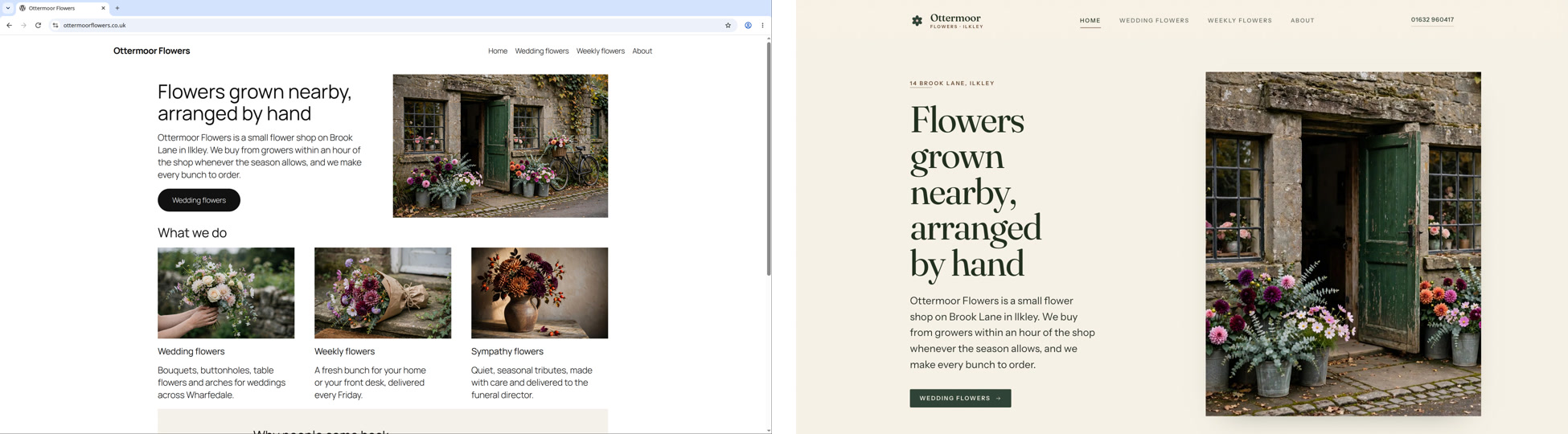
Ullbek is an AI website builder. You hand it your site's words and your own photos, and it builds a new, custom website with a new look. When we tried it with the words and photos of the Ottermoor Flowers site from this post, every page was kept, with all of the wording word for word. It asked one question, about the colours, and took about a quarter of an hour.
Every Ullbek site is served over a secure connection, and anyone who types the plain http address is sent to the secure one. On a domain you bring, the certificate renews by itself, as long as the records you added stay in place.
A real, custom website, on a secure connection
See how Ullbek builds a website from what you tell it.