Every step is written out below.
Captions available: press CC · Also on YouTube
You go to Weebly's sign-in page and you can't get in. The password doesn't work, the reset email doesn't come, or the account was never yours to begin with. If your site is in one of the 67 countries where Weebly is closing, that login has an end date: 26 December 2026.
This page goes through the ways back in that we found, in the order worth trying, then what to do the minute you're in. Every Weebly and Square page in it, and in the film above, was looked at as it stood on 11 November 2026. Where a step comes from an owner's report rather than from Weebly, we say so. Where we describe what happened in our own account (the reset email, the downloads, the dashboard's menu), that was a free account outside the 67 countries.
Why the login matters before 26 December
Weebly's notice, Upcoming Changes to Weebly's Global Operations, says Weebly is winding down in 67 countries. Sites there were unpublished on 27 September 2026. The notice says you keep access to your account until 26 December 2026 "to enable you to move your site, domains, and data to another service", and that after it "you will no longer have login access to your Weebly account."
Behind that login are the things only Weebly can do for you: unlocking a domain you bought through Weebly, the site Archive, and Download My Data. The notice gives a date but no time of day, so don't leave it to the last day. If you're not sure your country is affected, the list is at the end of the notice, and the first post in this series walks through it.
Step 1: Try the ordinary sign-in
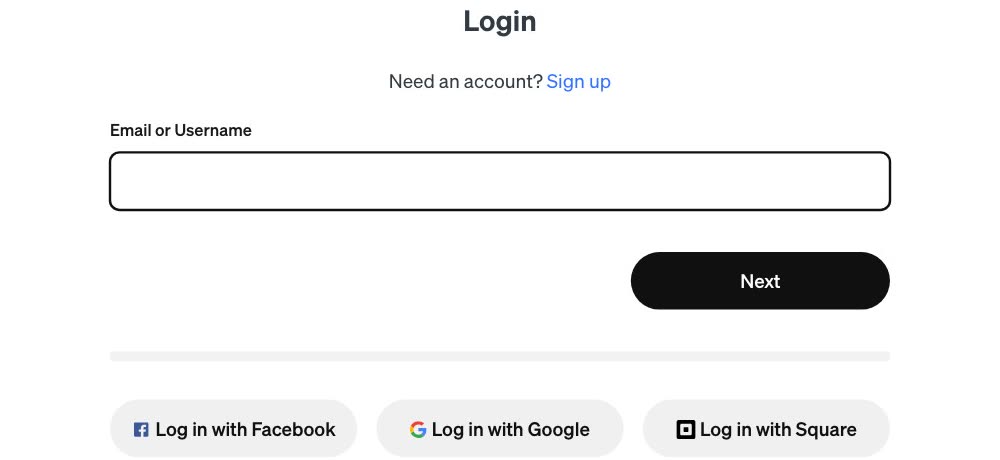
- Go to weebly.com/login. The page asks for your Email or Username.
- Type the one you've always used, and choose Next. Then sign in as you always have.
- If you get in, skip to The minute you're in. Do those things today.
Step 2: Look under the email box
Weebly's sign-in page has three more buttons under the email box: Log in with Facebook, Log in with Google and Log in with Square. If you made your Weebly account with one of them, or linked one to it later, use that button, and that account's own sign-in, not the email box.
Step 3: If your login moved to Square
Weebly is owned by Square, and it asked its owners to switch to a Square login. Its help page Weebly and Square FAQ says: "we ask that you replace your Weebly account with a Square account. You'll use the Square account to sign in going forward." Once that's done, the same page says, "you'll log in from squareup.com using your Square email address."

- Use your Square email and password. Either on Square's own sign-in page, or with Log in with Square on Weebly's.
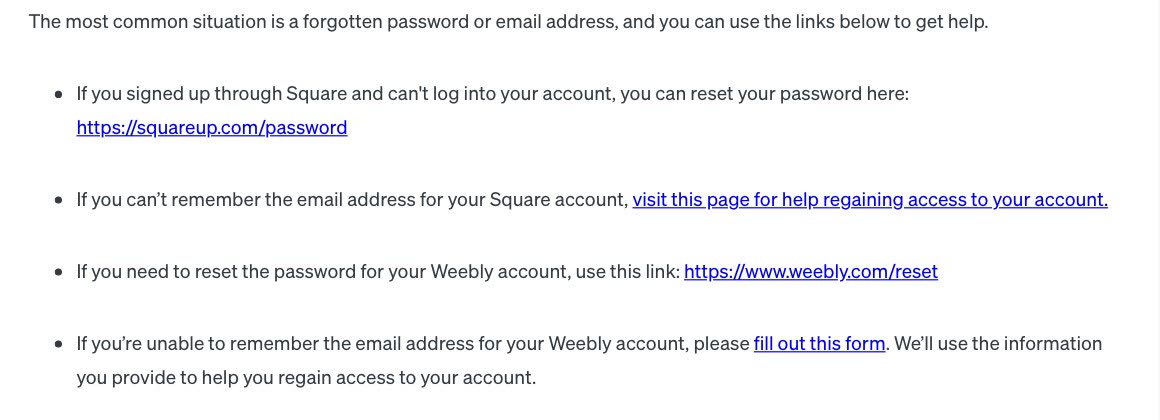
- Forgot the Square password? Weebly's help page I Forgot My Password, How Can I Reset It? points to Square's own reset page, at squareup.com/
password .
What owners report. One owner whose login was merged into Square reports that the old Weebly details stopped working, and Log in with Square, with the Square email and password, was their fix (r/Weebly thread). Another, once signed in to Square, found the old Weebly site listed under My Business, at the top left (Square Community thread). These are single owners' reports, not official steps, but they cost nothing to try.
Step 4: Reset the Weebly password
For a Weebly password, the same help page links Weebly's reset page, weebly.com/
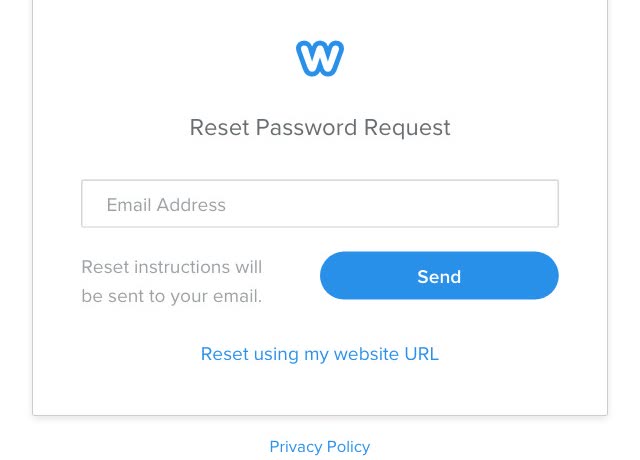
- Open weebly.com/reset. The page is titled Reset Password Request.
- Enter the email on the account and choose Send. The page says "Reset instructions will be sent to your email." It also offers Reset using my website URL, if you would rather start from your site's address.
- Look for the email. When one account asked for a reset on 10 November 2026, the email that arrived came from
no-reply@weebly.com, titled "Weebly Password Reset", and said: "A password reset was requested for your account. Please follow the link next to the account you wish to reset." If nothing comes, look in your spam folder, then go to step 5.
Step 5: Weebly's account recovery form
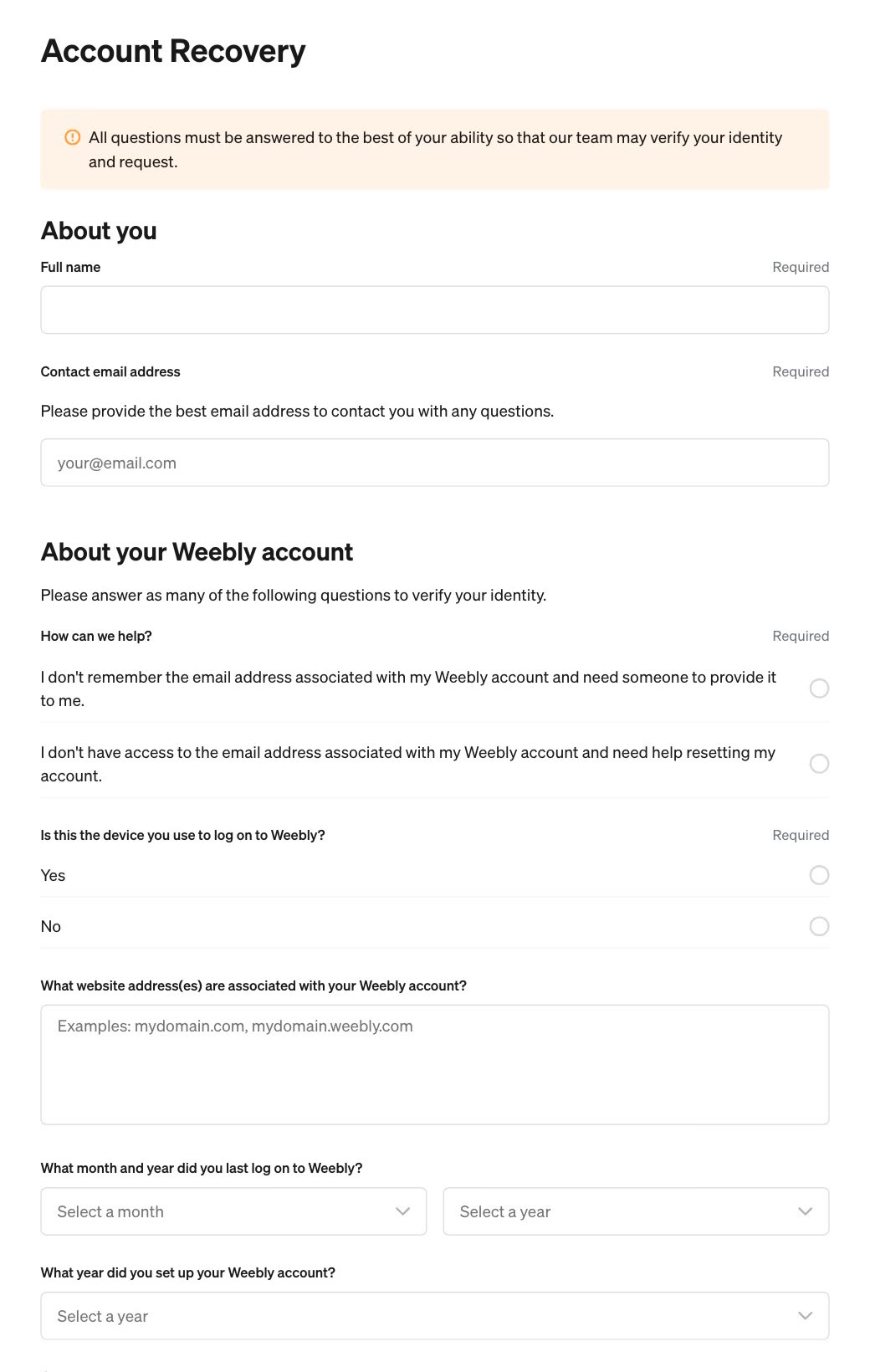
If you can't remember the email address on your Weebly account, Weebly's help page points to its Account Recovery form. The form also covers an email address you can no longer open. You don't need to sign in to send it. The form says all its questions "must be answered to the best of your ability so that our team may verify your identity and request."
It asks:
- About you: your full name, and an email address to reach you on.
- How it can help: you don't remember the email address on the account, or you no longer have access to it.
- Whether this is the device you use to log on to Weebly.
- The website address or addresses on the account.
- The month and year you last logged on, and the year you set the account up. There is also a box for comments.
We have seen no report yet of how it goes, so send it now and keep trying the steps above while you wait. Don't leave it to December.
Step 6: If the account was someone else's
A club secretary who has moved on, a parent, a partner who has died. At the foot of Weebly's help center there is a Contact us button, under a line that says you can contact them "during standard business hours or email us 24/7". Write to them now, and ask what they need from you to act for the account. Don't leave it to December. One owner found that support asked them to sign in. If it does, use the account recovery form in step 5 and explain in its comments box.
The minute you're in
Do the things only that login can do, the same day:
- Your domain, if you bought it through Weebly. Start moving it out. In the dashboard's menu on the left it is under Website, then Domains. Step 1 of the first post and the guide have every step, including the two 60-day rules. A country domain (
.sg,.ae): Weebly says to ask its support team. - Each site's Archive. In the site's editor, Settings, then General, then Archive. Weebly's help says blog and store pages aren't included in the export. In our own test the blog's front page did come along, with the posts on it. Each post's own page did not. Weebly's help also says the Contact Form and Slideshow may not work outside the Weebly editor.
- Download My Data. Account settings, then My Data. It isn't instant: Weebly says its staff complete the request. When we asked, the email with the link came 23 minutes later, and the link works for 30 days.
- Fetch the files while you can sign in. When we asked for an Archive, its download link went to Weebly's login page when opened without signing in. Having the email is not the same as having the file.
- Step 1: weebly.com/login, the email or username you've always used, Next.
- Step 2: Log in with Facebook, Google or Square, if the account was made or linked that way.
- Step 3: switched to Square? Your Square email and password. Square password: squareup.com/password.
- Step 4: weebly.com/reset. Look for "Weebly Password Reset" from no-reply@weebly.com, and in spam.
- Step 5: can't remember or open the account's email? Weebly's Account Recovery form, today.
- Step 6: someone else's account? Contact Weebly support now. If it asks you to sign in, use the step 5 form.
- Then: domain, Archive, Download My Data, and fetch the files, all before 26 December 2026.
Or, there is another way
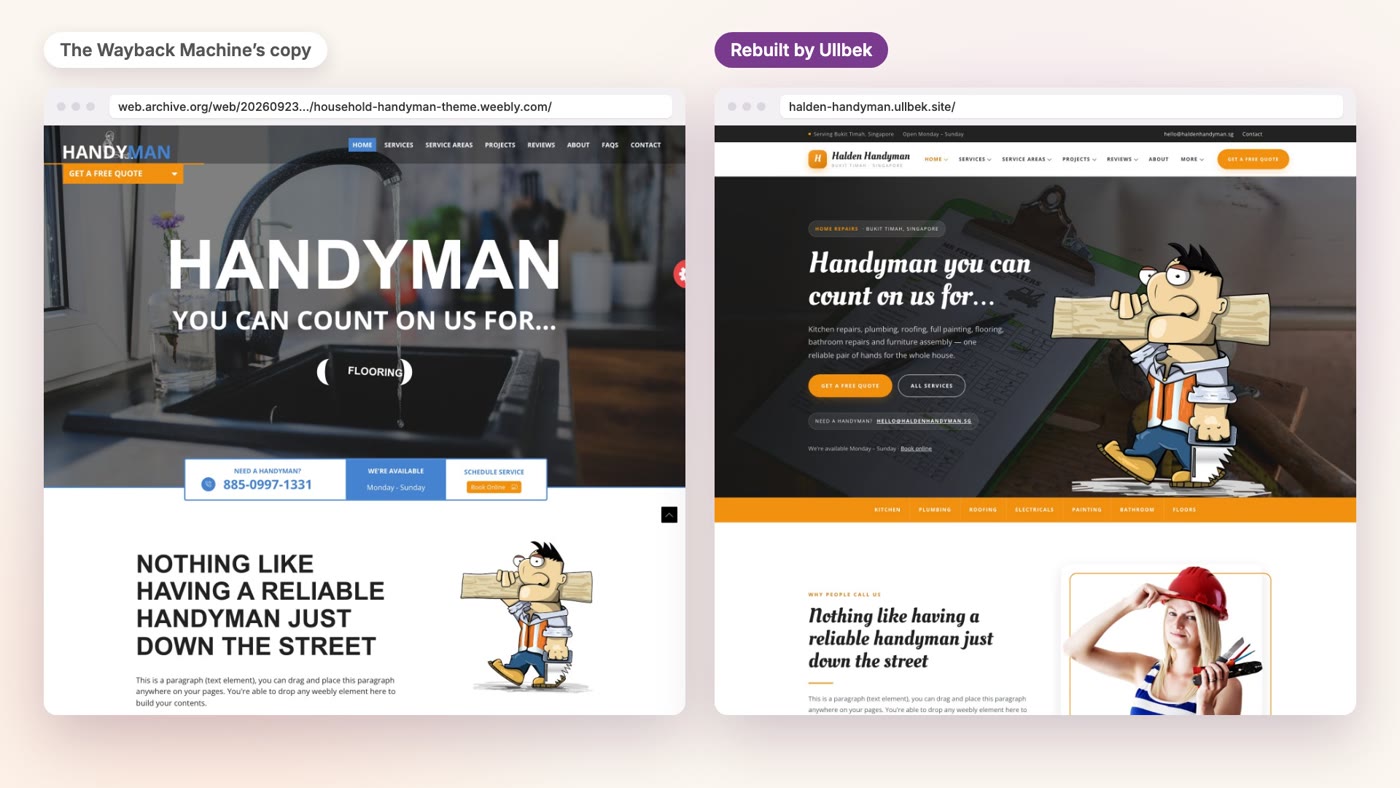
Your domain still needs that login, so move it first. The site itself doesn't. Ullbek is an AI website builder. If the Wayback Machine at web.archive.org saved a public copy of your site, Ullbek can build a new, custom website from that copy, and you don't need your Weebly login for it. Create a new site and type one message with the address of the copy.
In the first film of this series we did that with a public Weebly theme demo, as the Wayback Machine saved it, and the film shows the rebuild from start to finish. If your site was saved, click through the copy first to see how much is there.
- Move your domain first. That is the one thing here that still needs your Weebly login.
- Find your site on the Wayback Machine. Type its address at web.archive.org and open the latest save from before 27 September 2026.
- Give Ullbek that address in one message. The move guide has the message to type, and what to check before you publish.
Get your Weebly site back online
See how moving a Weebly site to Ullbek works, step by step.